Put the right set where work happens
Create drawing packages, print QR labels and project boards, and group sheets by building, level, room, or trade.
 DUZ HUB
Construction, connected
Connect current drawings, field decisions, bids, and job costs. Keep the work moving and the margin in view.

Give the crew a stable link to the current published drawings, organized by trade, sheet, location, or field package.
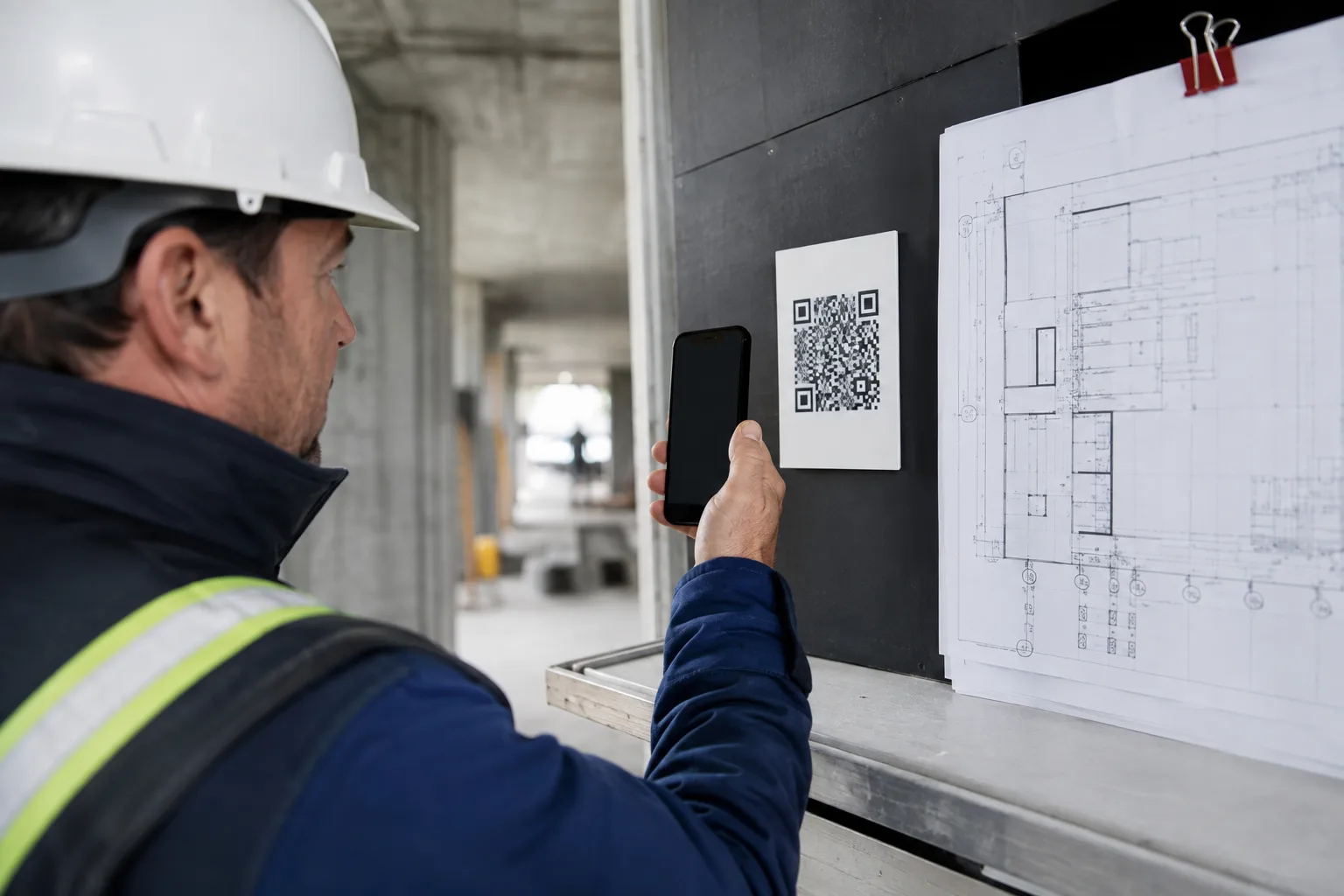
Create drawing packages, print QR labels and project boards, and group sheets by building, level, room, or trade.
Unpinned packages follow the current published revision. Superseded warnings and revision history help crews spot outdated information.
Open related RFIs, report a drawing conflict, or attach a field photo from the QR page. Access follows project permissions.
Sign-in is required. Pinned packages retain the chosen revision. Reconnect to verify current drawings; QR pages do not cache PDF files offline.
See the QR workflowBring site-visit measurements, takeoff records, vendor quotes, and financial feasibility into the preconstruction conversation.
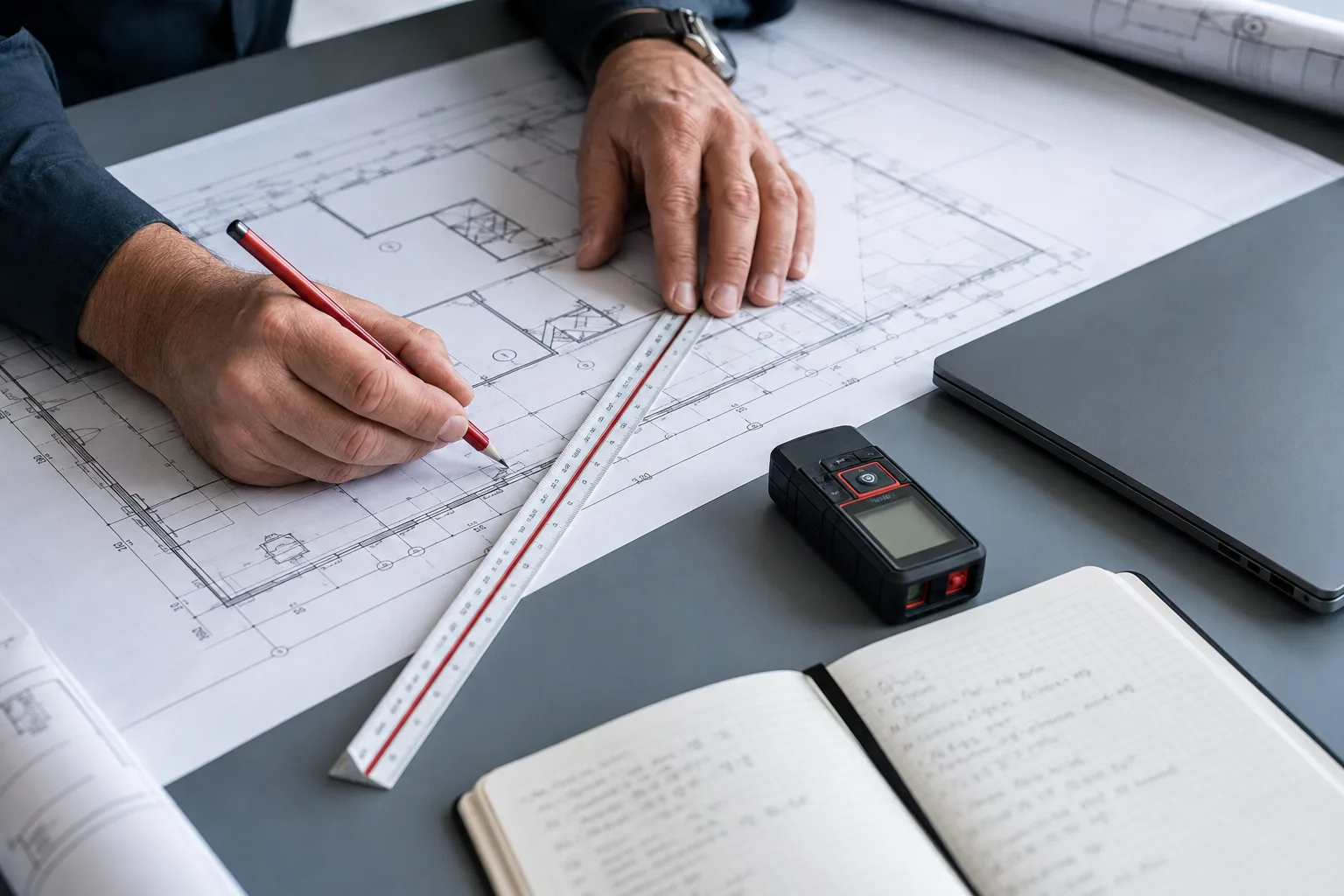
Record site-visit measurements, sheet references, quantities, units, and waste allowances. Keep the basis of the estimate available for review.
Group vendor bids into scope packages. Record inclusions, exclusions, and comparison adjustments before selecting a quote and creating a commitment.
Run a Go/No-Go assessment with margin, contingency, unpriced scope, duration, and working-capital inputs against your company thresholds.
Takeoff records and drawing-scale settings exist. The graphical measurement tool is still being completed and is not yet suitable for verified, calibrated on-plan quantities. Confirm dimensions independently before pricing or ordering.
Financial control
Review budget, commitments, actual cost, and forecast together. Connect approved bills, issued purchase orders, and approved labor to the cost record.
Interactive example with representative project data
Compare original and revised budgets with committed and actual cost. Review forecast final cost, remaining cost, and margin erosion.
Build versioned estimates with quantities, unit costs, markup, overhead, tax, gross profit, and margin before the work is won.
Connect vendor quotes, purchase orders, change events, approvals, and revised commitments to the current cost position.
Keep proposals, client invoices, payment records, and receipts together. Stripe or ACH checkout and refunds require the corresponding provider configuration.
The difference is the connection: the scope you priced, the revision the crew opened, the issue they raised, and the cost you approved.
CRM opportunities, site visits, versioned estimates, reusable estimate templates, proposals, and client acceptance.
Explore preconstruction ↗Trade assignments, task progress, schedules, construction checklists, daily logs, photos, punch items, and threaded notes.
Follow the workflow ↗Document versions, current drawings, field packages, QR labels, RFIs, submittals, permits, inspections, and change events.
Explore drawing control ↗Bid leveling, budgets, purchase orders, vendor bills, labor approvals, client invoices, portfolio visibility, and financial alerts.
Explore financial control ↗From opportunity to outcome
Capture the opportunity, review site measurements, compare scope and bids, and evaluate feasibility before issuing a proposal.
Convert approved scope into budgets, cost codes, commitments, schedules, and accountable ownership.
Put current drawing packages in the field with QR labels. Capture progress, photos, time, issues, and changes against the project.
Keep client approvals, invoices, payment records, and provider-configured checkout tied to the work.
Compare budget, committed, actual, and remaining cost to protect margin and improve the next estimate.
Built for your part of the job
Foremen need clear instructions. Owners need margin visibility. Partners need the right scope. Start with the workflow that matters to you.

Open current drawings from a QR label. Check assigned work, capture daily logs and photos, report conflicts, and keep punch items visible.
Start with: QR drawings, field records, project control.
See the field drawing workflow ↗Evaluate a job before committing. Compare scope-adjusted bids, review job costs and margin erosion, and see the financial position across projects.
Start with: Go/No-Go, bid leveling, portfolio financials.
See financial control ↗Submit your quotes and attachments through scoped portal access. Subcontractors can update assigned tasks; authorized partners can open shared drawing packages.
Start with: quote portal, assigned work, QR packages.
See the scope-to-bid workflow ↗Keep estimates, proposals, job photos, notes, punch items, and client invoices together. Use company-owner tools or assigned partner access to match your role.
Start with: estimates, daily records, client invoices.
See the project lifecycle ↗Publish revisions, organize trade and location packages, review RFIs and submittals, track changes, and coordinate tasks with current cost information.
Start with: drawing control, trade board, changes and costs.
See connected project controls ↗Human-reviewed AI
Draft notes, summarize context, or propose an RFI or punch item. A person reviews the result before creating a project record.
Interactive example. AI and voice features require configured providers.
Audio is attached to the selected project and ready to organize.
Beam 27 is offset at grid C. Coordinate with steel before welding, then confirm bolt torque.
Connected money movement
Move approved information into the systems that settle, account for, and report the money.
OAuth connection, account mappings, token refresh, and sync history. Requires a configured QuickBooks account.
Client invoice checkout, payment confirmation, settlement records, and refunds when configured.
Proposal documents, payroll-ready exports, and records built for review.
Controlled by design
Give people access for their role and project. Keep internal pricing separate from partner workflows, and review AI drafts before acting.
Company and project scope is enforced across protected workflows.
Cost, payment, estimate, and administrative actions follow assigned roles.
Approvals, payment events, exports, and changes preserve operational context.
AI-assisted content remains a draft until a person reviews and approves it.
US launch pricing
Annual plans include two months at no additional charge. All prices are in US dollars.
$199/ month
$1,990 annually
$499/ month
$4,990 annually
Custom
Scope around your operating model
Plan requests are reviewed before activation. Secure Stripe Checkout links can be enabled without exposing secret keys.
Questions
No, not when the link points to a sheet or an unpinned package that follows current revisions. Publish the replacement revision and the same QR resolves to it. Pinned package items keep their chosen revision, with superseded warnings where applicable.
Keep measurement and quantity records in preconstruction, but verify them independently. The current graphical takeoff tool is not yet a calibrated on-plan measurement solution.
No. DUZ Hub is the project financial and operational control layer. It connects estimates, budgets, commitments, progress, invoices, payments, and forecast context while supporting accounting connections such as QuickBooks when configured.
Construction is the product's native operating model. It also fits developers, owner representatives, specialty contractors, and project-based finance teams that manage scopes, commitments, progress, approvals, and project cash flow.
DUZ Hub includes client invoice checkout and payment records using manual settlement, Stripe, or ACH when the corresponding production provider is configured.
Some field actions support queued synchronization. QR pages only retain a labeled reference of the last loaded drawing list, not the PDFs. Reconnect to verify the current revision before building.
No. AI-assisted content is presented as a draft for a person to review, edit, and approve before it becomes part of the project record.
A clearer project business
Bring the plan, the field, and the financial picture into the same project conversation.